Photo Print Sheets
Copies of one photo at the size you pick, with cut guides
What it does
- Places as many copies of your photo as fit on the sheet at the size you pick, or the number of copies you choose, and turns the sheet sideways when that fits more
- Lists photo sizes with the page each size was taken from and the day that page was read, so you can open the page and check
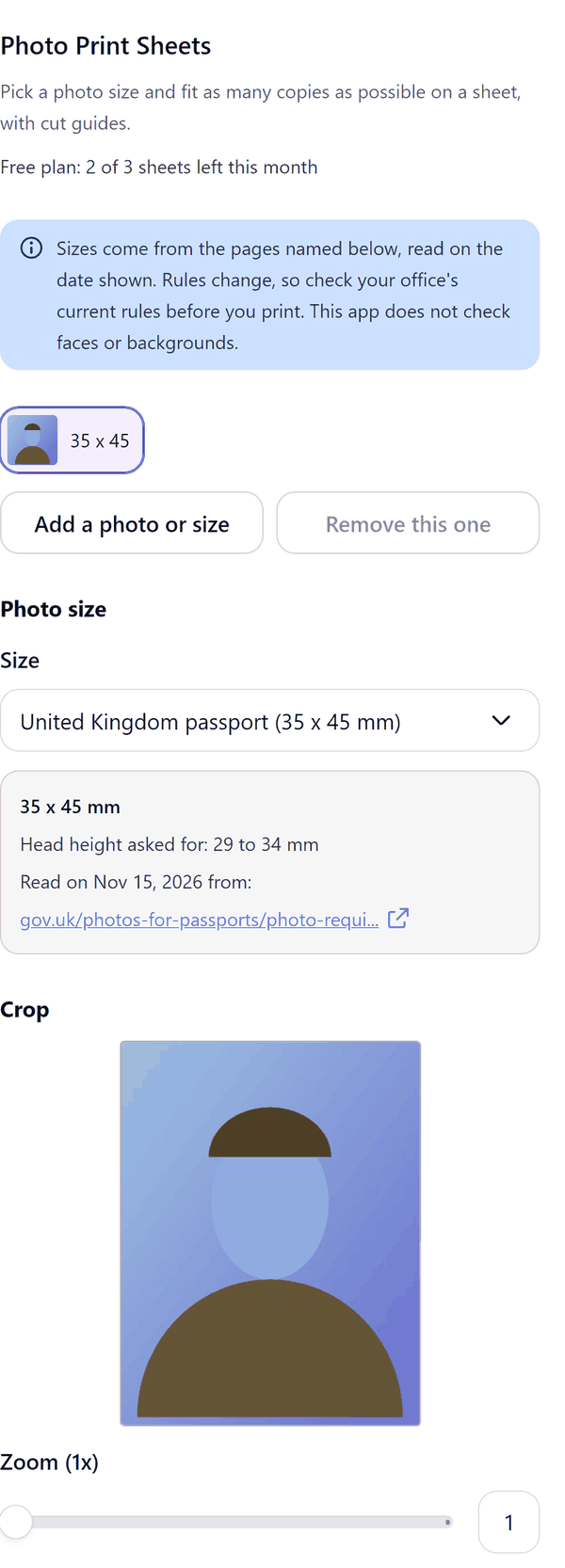
- Lets you crop with zoom and move left or right and up or down, and warns you when the photo may print soft
- Adds corner ticks or full cut lines, and shows a preview of the sheet with the number of photos that fit
- Does not check faces or backgrounds, and does not edit the picture
- Pro: every listed size and your own sizes, A4 and Letter sheets, full cut lines, several photos or sizes on one sheet and 600 dpi pictures
How to use it
- Open a design and click the photo you want to print. Open Photo Print Sheets from the Apps tab.
- Under Photo size choose a Size. Under Crop use Zoom and the move controls to frame the photo.
- Under Sheet choose the Sheet size, the Margin and the Gap, and whether to fill the sheet. Check the preview.
- Press Add sheet to design. Print the sheet at actual size and cut along the guides.
Free and Pro
Plan limits reset each calendar month (UTC). Pro is billed through Polar.
| Free | Pro | |
|---|---|---|
| Sheets a month | 3 | Unlimited |
| Photo sizes | 2 x 2 in and 35 x 45 mm | Every size in the list, and your own sizes |
| Sheet sizes | 4 x 6 in | Also A4 and Letter |
| Cut guides | Corner ticks | Also full cut lines |
| Photos on a sheet | One photo, one size | Several photos or sizes |
| Picture quality | 300 dpi | 300 or 600 dpi |
| Price | $0 | $5 per month or $35 per year |
Manage your Pro licence
You get a licence key by email after you buy Pro. Paste it into the app and press Activate licence. To use the key on another Canva account, press Deactivate this licence first. To restore Pro after a reinstall or on a new device, activate the same key again. To cancel, use the link in your Polar receipt email. Full steps: buying, restoring and managing Pro.
FAQ
Will this photo be accepted by an office or agency?
The app does not check faces, backgrounds or anything else about your photo, and it does not tell you what any office will accept. Rules change, so check the current rules for your document before you print.
Where do the sizes come from?
Each size in the list shows the page it was taken from and the day that page was read (15 November 2026). Open the page to confirm the numbers.
Is every size read from the page itself?
No. For the United States 2 x 2 in row the numbers came from a search excerpt of the State Department page, because the page itself blocked automated reading. The panel says so on that row and links the page so you can confirm them.
Can I use my own size?
Yes, on Pro. Enter a width and height from 10 to 300 mm. A size you enter is not compared with any office's rules.
Why does the panel warn that the photo may print soft?
At that size and zoom the photo has few pixels per inch. Choose a bigger source photo or zoom out.
Does my photo leave my computer?
No. Your photo stays in your browser. Our server only counts your monthly sheets.
How do I get help?
Email [email protected] with the app name and a short description of what happened. Do not send your full licence key.
What data does this app keep?
See the Privacy Policy. In short: designs and images stay in your browser; our server keeps your Canva user and brand ids, monthly usage counts and your licence status.