Geometric Patterns
Geometric pattern backgrounds from a pattern number
What it does
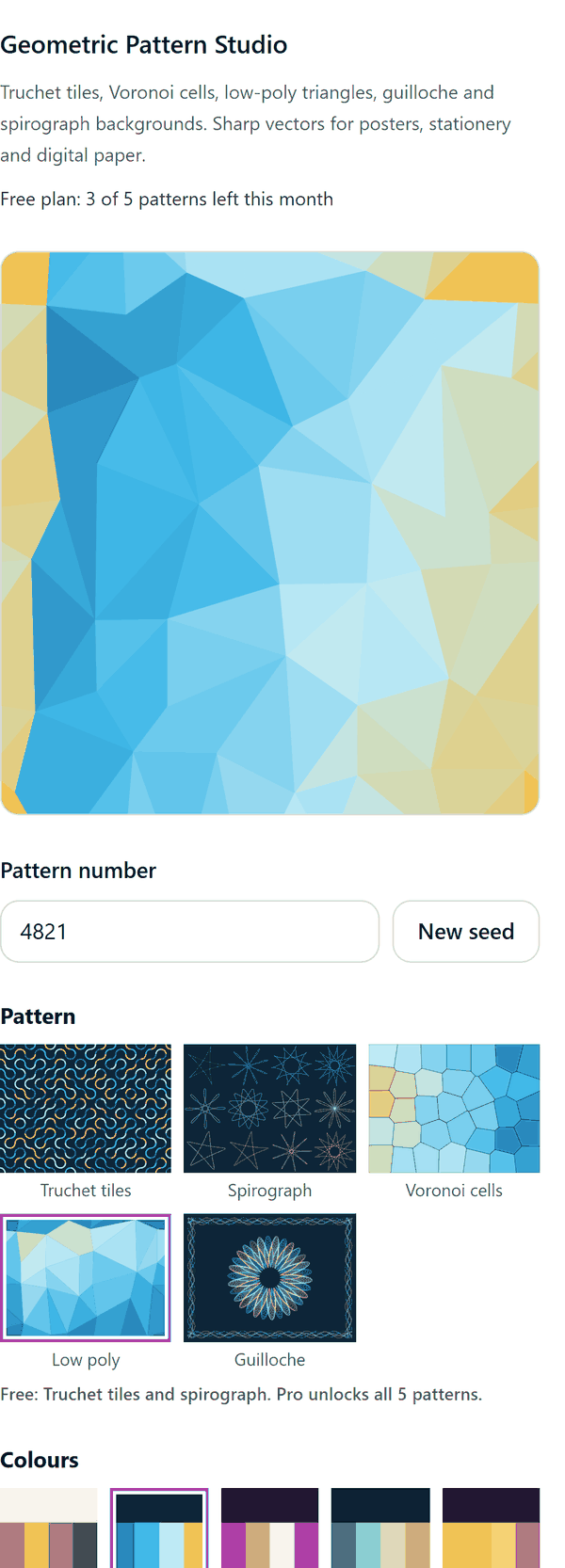
- Draws a pattern in the app from a pattern number: Truchet tiles and spirograph curves on the Free plan, plus Voronoi cells, low poly triangles and guilloche rosettes with a border on Pro
- Gives the same pattern each time for the same pattern number and settings, and lets you press New seed for a different one
- Colours the pattern with a bundled palette, or with four colours of your own, or (Pro) with the main colours it reads from an image you select
- Adds the pattern to the current page as one picture the size of that page; send it to the back if you want to put text on top
- Lowers the detail and tells you if a very dense pattern would be too big to add
- Pro: makes a Truchet or low poly pattern whose edges join up when repeated, and adds a set of 2 to 12 digital paper pages, each 12 x 12 inches with a new pattern number
How to use it
- Open a design and open Geometric Pattern Studio from the Apps tab.
- Pick a pattern type and a palette, then change the pattern number or press New seed until you like the look.
- Set the detail and line weight, and choose how to add it: This page, or Digital paper (Pro).
- Press the Add to design button. If the pattern covers your text, send it to the back.
Free and Pro
Plan limits reset each calendar month (UTC). Pro is billed through Polar.
| Free | Pro | |
|---|---|---|
| Patterns a month | 5 | Unlimited |
| Pattern types | 2: Truchet tiles and spirograph | All 5 |
| Palettes | 3 | 8, your own colours or colours from an image |
| Detail | 3 to 6 | 1 to 10 |
| Line weight | 0.75 to 1.5 | 0.5 to 4 |
| Seamless tile | No | Yes (Truchet and low poly) |
| Add as | The current page | The current page or 2 to 12 digital paper pages |
| Price | $0 | $5 per month or $35 per year |
Manage your Pro licence
You get a licence key by email after you buy Pro. Paste it into the app and press Activate licence. To use the key on another Canva account, press Deactivate this licence first. To restore Pro after a reinstall or on a new device, activate the same key again. To cancel, use the link in your Polar receipt email. Full steps: buying, restoring and managing Pro.
FAQ
What is the pattern number?
It is the seed the pattern is drawn from. The same number with the same settings draws the same pattern, so you can come back to one you liked.
Why can I not see my text after adding a pattern?
The pattern is one picture the size of the page. Send it to the back in Canva to put text on top.
What counts as one pattern?
Each pattern picture added to your design is one pattern. In a digital paper set, each page is one pattern.
How do the colours from an image work?
With Pro, select a picture in your design and press Read colours from selected image. The app reads the most common colours and uses the first as the background.
What is a seamless tile?
A pattern drawn so that its left and right edges, and its top and bottom edges, match. You can repeat it side by side without a visible join. It is available for Truchet and low poly patterns on Pro.
Does my image leave my computer?
No. The picture is read from Canva into your browser, where its colours are worked out. The patterns are drawn in your browser too. Our server only counts your monthly patterns.
How do I get help?
Email [email protected] with the app name and a short description of what happened. Do not send your full licence key.
What data does this app keep?
See the Privacy Policy. In short: designs and images stay in your browser; our server keeps your Canva user and brand ids, monthly usage counts and your licence status.