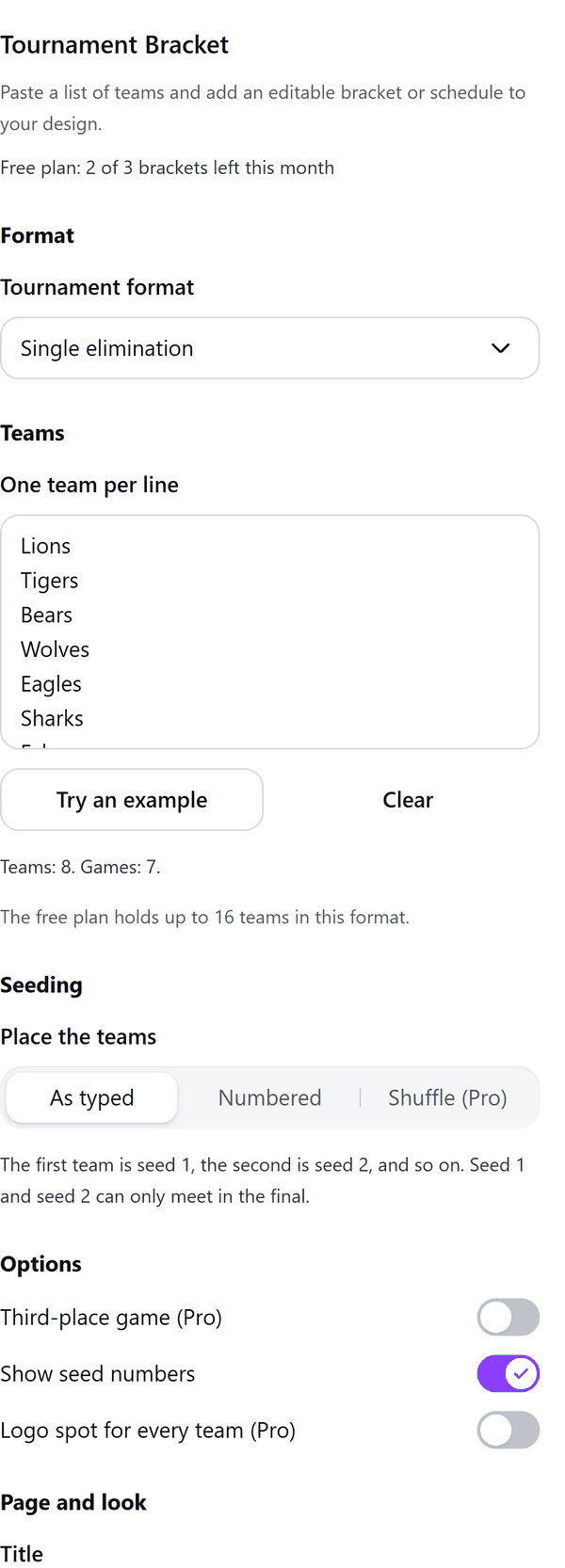
Tournament Bracket
A bracket or round robin schedule from a list of teams
What it does
- Turns a list of teams, one per line, into a single elimination, double elimination or round robin bracket, or a group stage followed by a knockout
- Places the teams by seed, so that seed 1 and seed 2 can only meet in the final when the teams are placed as typed
- Shows a preview you can step through page by page; big fields continue on the next pages
- Adds the bracket to your design with every name and score box as its own text you can edit
- Pro: bigger fields, more formats, a third-place game, a repeatable shuffle, colour schemes and a logo spot for every team
How to use it
- Open a design and open Tournament Bracket from the Apps tab.
- Under Format choose the Tournament format. Under Teams type or paste one team per line, or press Try an example.
- Under Seeding choose how to place the teams, then set the Options, the Title, the Paper and the Colour. Check the Preview.
- Press Add bracket to design. Click any name or score in Canva to edit it.
Free and Pro
Plan limits reset each calendar month (UTC). Pro is billed through Polar.
| Free | Pro | |
|---|---|---|
| Brackets a month | 3 | Unlimited |
| Formats | Single elimination, round robin | Also double elimination and groups, then knockout |
| Teams | Up to 16 (single), up to 8 (round robin) | Up to 64 (single), 32 (double), 16 (round robin), 64 (groups) |
| Seeding | As typed or numbered | Also a shuffle you can repeat |
| Third-place game, reset game | No | Yes |
| Colours and logo spots | No | Yes |
| A4 and Letter landscape | Yes | Yes |
| Price | $0 | $5 per month or $35 per year |
Manage your Pro licence
You get a licence key by email after you buy Pro. Paste it into the app and press Activate licence. To use the key on another Canva account, press Deactivate this licence first. To restore Pro after a reinstall or on a new device, activate the same key again. To cancel, use the link in your Polar receipt email. Full steps: buying, restoring and managing Pro.
FAQ
How many teams can I add?
On the free plan, up to 16 teams in single elimination and up to 8 in round robin. Pro allows up to 64 in single elimination and groups, 32 in double elimination and 16 in round robin.
How do I fix a team's seed?
Choose Numbered and put a number in front of a team, like 3. Lions. Teams without a number fill the gaps. With As typed, the first team is seed 1, the second is seed 2, and so on.
What does the shuffle do?
Pro only. Teams are drawn into the bracket at random, and the same seed number always gives the same draw.
Can I edit the bracket afterwards?
Yes. Every name and score box is its own text in your design, so you can change it in Canva.
What if my bracket needs more than one page?
Big fields continue on the next pages. The panel shows the page count, and if the design fills up it tells you how many pages were added.
Does my team list leave my computer?
No. The bracket is made in your browser. Our server only counts your monthly brackets.
How do I get help?
Email [email protected] with the app name and a short description of what happened. Do not send your full licence key.
What data does this app keep?
See the Privacy Policy. In short: designs and images stay in your browser; our server keeps your Canva user and brand ids, monthly usage counts and your licence status.